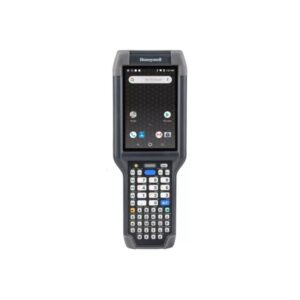
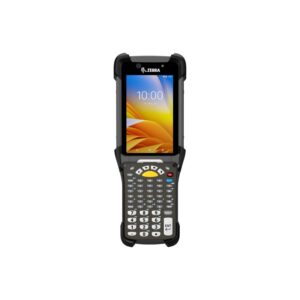
Why Dual Input Matters in Industrial Workflows
Deterministic vs Adaptive Input
- Touchscreen input is adaptive but error-prone in high-speed environments
- Keypad input is deterministic, enabling:
- Muscle memory-based operation
- Faster repeat transactions
In workflows such as picking, counting, and verification, this significantly improves:
Input Latency and Feedback Loop
Keypad input provides:
- Immediate tactile feedback
- Faster confirmation cycles
Touch-only systems rely on:
In high-frequency workflows, this difference directly impacts task completion time per transaction.
Core Technical Parameters That Define Performance
Scan Engine and Read Behavior
Integrated scan engines determine:
- Ability to read damaged or low-contrast codes
- Scan range (standard vs long-range)
In warehouse environments, long-range scanners enable:
- Shelf-level scanning without movement
- Reduced travel time per task
Processing Capability and Application Execution
Mobile terminals run enterprise applications (WMS, ERP clients).
Performance depends on:
Low processing capability results in:
- Delayed screen transitions
Connectivity and Network Behavior
Devices rely on wireless communication for real-time operations.
Critical factors:
- Wi-Fi roaming between access points
Poor network performance leads to:
Keypad Design and Input Mapping
Keypad layout affects:
- Usability in different environments
Factors include:
- Programmable keys for workflow shortcuts
Well-designed keypads reduce:
Battery Performance and Shift Continuity
Battery design must support:
- Full-shift operation (8–12+ hours)
- Continuous wireless usage
Industrial devices often support:
Battery failure directly impacts:
Durability and Environmental Resistance
Rugged devices are designed for:
- Dust and moisture protection (IP ratings)
Durability ensures:
- Stable performance in harsh environments
Types of Keypad Touch Mobile Terminals
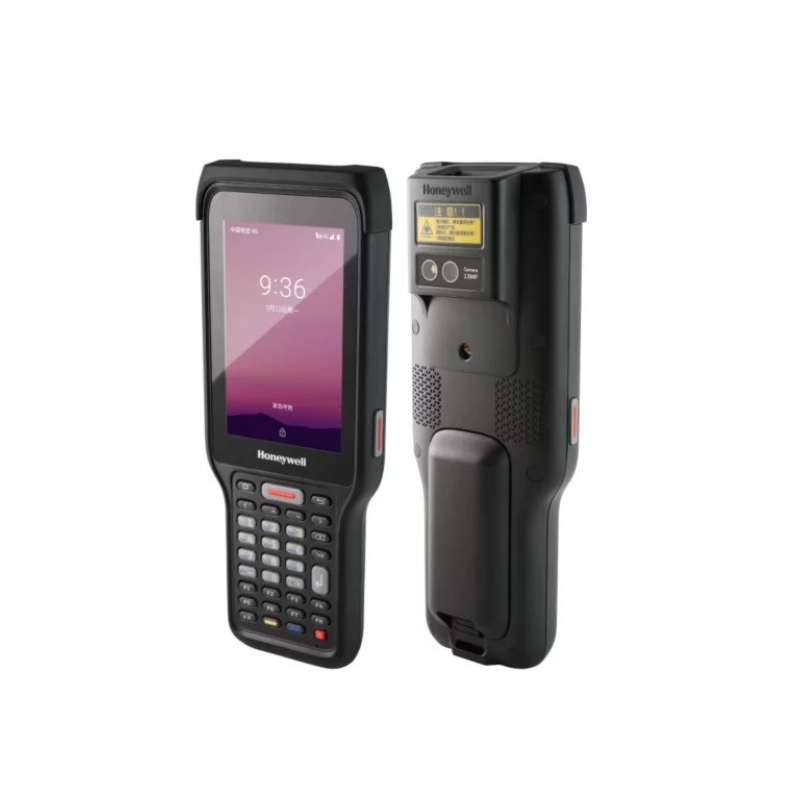
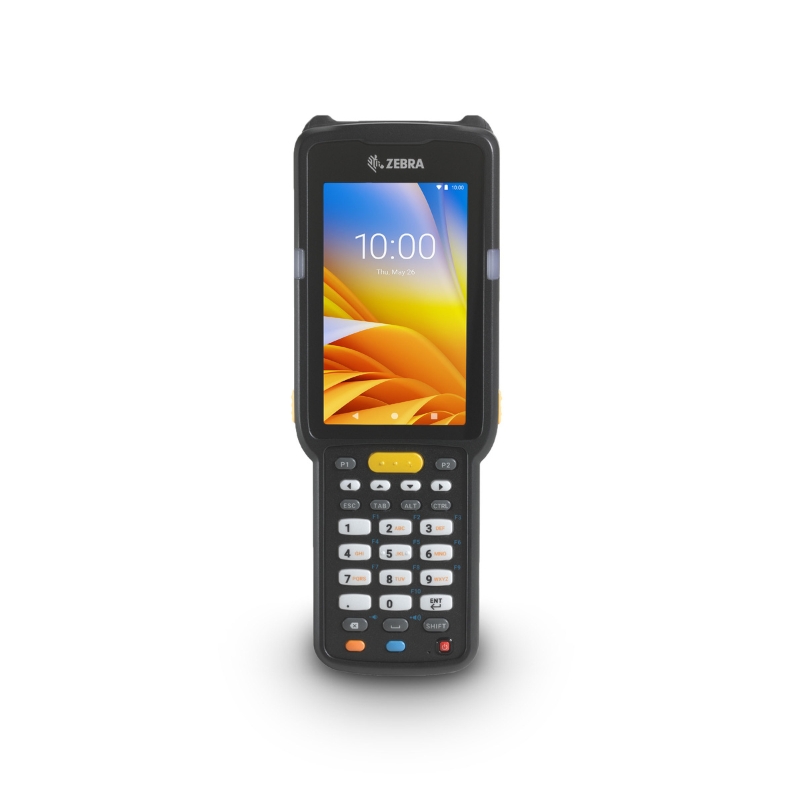
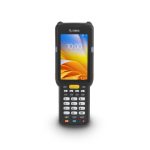
Basic Keypad + Touch Devices
Balanced for moderate usage with standard scanning requirements.
Advanced Industrial Terminals
Higher durability, better scan engines, and stronger processing capability for demanding environments.
Android-Based Devices
Flexible application ecosystem and modern enterprise mobility support.
Windows-Based Devices
Used in legacy systems or specialized enterprise applications.
Long-Range Scanning Terminals
Designed for warehouse environments requiring extended scan distances.
RFID-Enabled Terminals
Enable bulk data capture without line-of-sight scanning.
System-Level Impact of Keypad Touch Terminals
Improved Transaction Accuracy
Keypad input reduces manual entry errors in structured workflows.
Faster Task Execution
Operators can perform repetitive tasks using muscle memory and shortcuts.
Reduced Dependency on Screen Interaction
Improves usability in:
Better Workflow Consistency
Standardized input methods reduce variability across operators.
Real-Time Data Synchronization
Ensures immediate system updates and improved operational visibility.
DDAPL Approach to Keypad Touch Mobility Solutions
Device selection is based on workflow design, not just specifications.
DDAPL evaluates:
- Type of transactions (scan-only vs scan + input)
- Input complexity and frequency
- Application performance requirements
The objective is to ensure device behavior aligns with workflow efficiency requirements.
Enabling Structured Mobility in High-Speed Operations
In environments where both scanning and data entry are critical, device design directly impacts:
Keypad touch terminals ensure:
- Consistent workflow execution
Ready to Upgrade Your Mobile Operations?
DDAPL provides:
- Application-based device selection
- Integration with enterprise systems
Get a Quote | Talk to an Expert


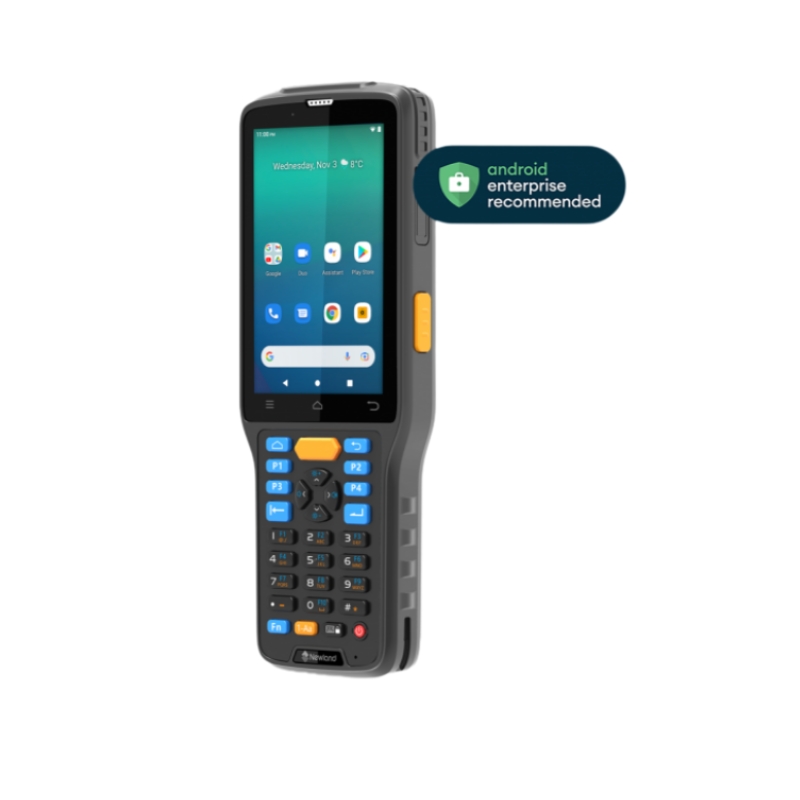
 Processor
 RAM
RAM Battery
 Bluetooth
 WiFi
WiFi NFC
NFC