Core Performance Parameters That Define Real-World Behavior
Frame Rate and Decode Pipeline Throughput
Presentation scanners operate as real-time image processing systems.
Performance depends on:
- Decode algorithm efficiency
Higher frame rates increase probability of capturing a readable frame when:
- Barcodes are partially visible
Illumination Control and Contrast Management
Integrated illumination systems are designed to normalize barcode visibility across:
Key factors:
- Light intensity modulation
Poor illumination results in:
- Decode failure under reflective packaging
Scan Volume Geometry (Not Just FOV)
Unlike handheld scanners, presentation scanners operate within a 3D scan volume, defined by:
Effective scan performance depends on aligning this scan volume with:
Misalignment leads to:
- Increased presentation time
Decode Algorithm Capability
Modern scanners use firmware-level algorithms to:
- Detect barcode patterns within noisy images
- Reconstruct incomplete or occluded codes
Performance varies significantly across devices depending on:
This is why two “2D scanners” behave very differently in real environments.
Motion Tolerance and Exposure Control
Even in “hands-free” setups, objects are rarely static.
Motion tolerance depends on:
- Image stabilization techniques
Low motion tolerance leads to:
- Blur-induced decode failure
- Requirement for slower presentation
Decode Latency and Output Timing
Latency is not just scan speed — it is:
Time from object detection → successful decode → data transmission
In high-frequency environments:
- Latency directly impacts transaction throughput
- Delayed output causes micro-pauses in workflow
Looking for high-speed Presentation Barcode Scanners for seamless and hands-free scanning?
Improve checkout efficiency with fast, accurate, and omnidirectional scanning solutions.
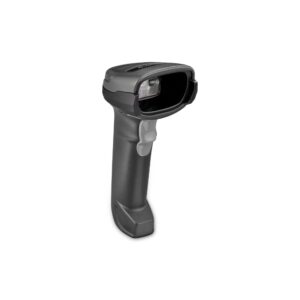
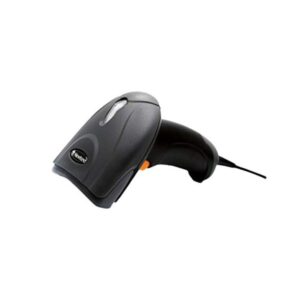
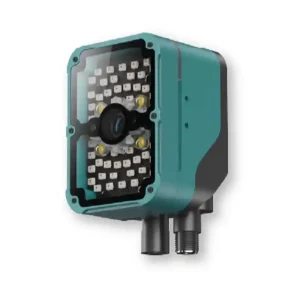
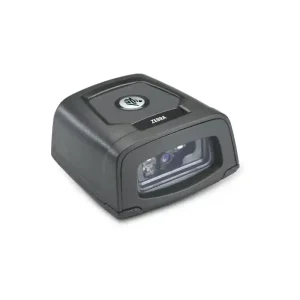
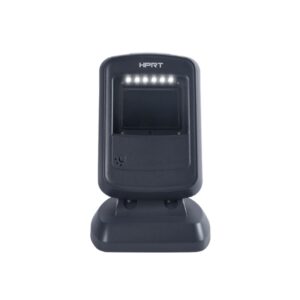
Types of Presentation Scanners
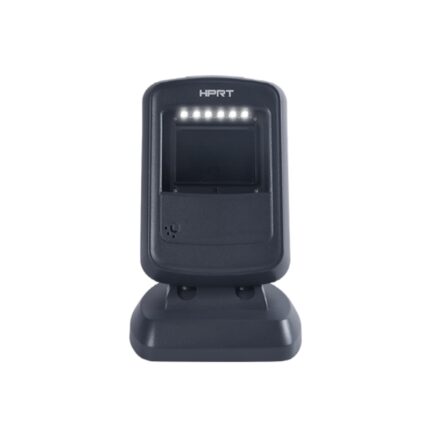
Single-Plane Imaging Systems
- Require more controlled presentation
- Used in moderate throughput environments
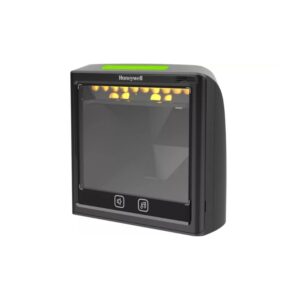
Multi-Plane / Omni-Directional Imaging Systems
- Multiple scan planes or wide-angle imaging
- Higher probability of first-pass read
- Used in high-volume retail environments
High-Performance Area Imagers
- Full image capture with advanced decoding
- Better performance on damaged or complex barcodes
- Suitable for mixed barcode environments
Embedded / Fixed Presentation Modules
- Integrated into kiosks or automation setups
- Used where scan point is fully controlled
System-Level Impact of Presentation Scanners
Throughput Optimization
Reducing scan cycle time (even by milliseconds) results in:
- Higher items processed per minute
- Better operator productivity
Variability Reduction
By removing operator-dependent variables:
- Scan consistency improves
- Training dependency decreases
Improved First-Pass Read Rates
Driven by:
- Better algorithm capability
Ergonomic Efficiency
Eliminates:
- Wrist movement repetition
DDAPL Approach to Presentation Scanning
Presentation scanners are selected based on interaction model, not just specs.
DDAPL evaluates:
- Item presentation behavior (speed, angle, variability)
- Barcode type and placement
- Integration with POS / system response
The objective is to ensure that scan performance aligns with transaction speed expectations, not just device capability.

 Battery
 Operating time
 Drop Rating
 Bluetooth
 WiFi
WiFi NFC
NFC