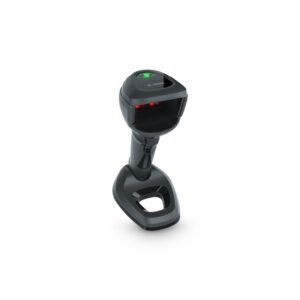
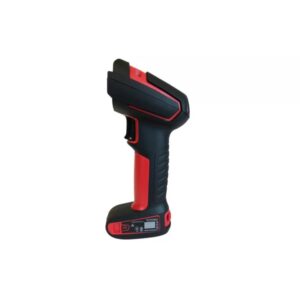
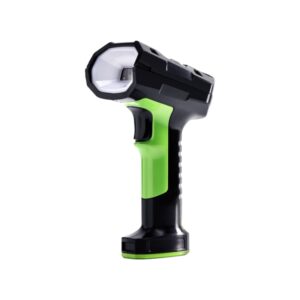
Scanner Architecture in Checkout Systems
In high-volume POS systems, scanners are not standalone devices — they are part of a transaction pipeline:
Item Presentation → Image Capture → Decode → POS Input → Billing Logic → Next Item
Performance bottlenecks typically occur at:
- Image acquisition (poor capture conditions)
- Decode processing (slow or failed reads)
- Output latency (delay in POS input)
In-counter and on-counter scanners are designed to optimize all three stages.
Core Technical Parameters That Define Performance
Multi-Plane Imaging vs Single-Plane Systems
High-performance in-counter scanners use multi-plane or bi-optic imaging, where multiple scan zones are created using:
- Multiple imaging sensors or mirrors
- Cross-pattern illumination
This increases:
- Probability of barcode capture
Scan Volume Optimization
These scanners operate within a 3D scan volume, not a scan line.
Critical parameters:
- Horizontal coverage (counter width)
- Vertical depth (item height variability)
A well-optimized scan volume ensures:
- Minimal need for item alignment
- Faster presentation speed
Decode Pipeline and Processing Latency
Scanning involves:
- Frame acquisition
- Image enhancement
- Pattern detection
- Decode execution
- Data output
Each stage contributes to latency:
In high-volume billing:
- Even 100 ms delay per item impacts queue time significantly.
- Low-latency pipelines are critical for sustained throughput.
Illumination and Reflective Surface Handling
Retail products often have:
Scanners use:
- Adaptive exposure control
to ensure consistent image quality across surfaces.
Motion Tolerance in Real Checkout Conditions
Items are rarely static — operators move products continuously.
Motion tolerance depends on:
Low motion tolerance leads to:
QR and Screen-Based Code Handling
Modern retail environments require scanning of the following:
This requires:
- High dynamic range imaging
- Screen reflection handling
- Low-brightness decoding capability
Upgrade your checkout with advanced In-Counter & On-Counter Scanners for faster billing and seamless operations.
Get the right scanning solution tailored for your retail environment.
Types of In-Counter & On-Counter Scanners
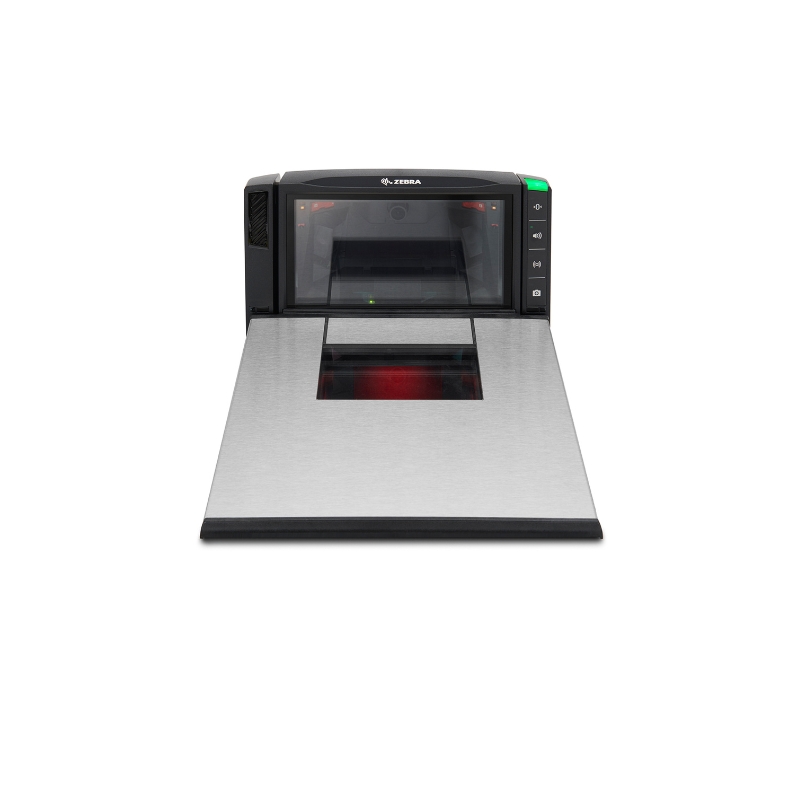
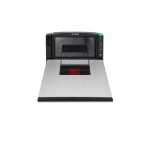
Bi-Optic In-Counter Scanners
- Dual-plane scanning (horizontal + vertical)
- High throughput environments
- Maximum first-pass read rate
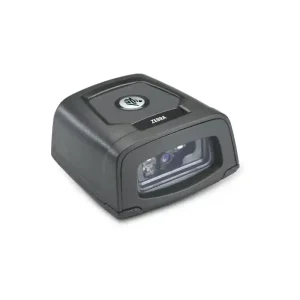
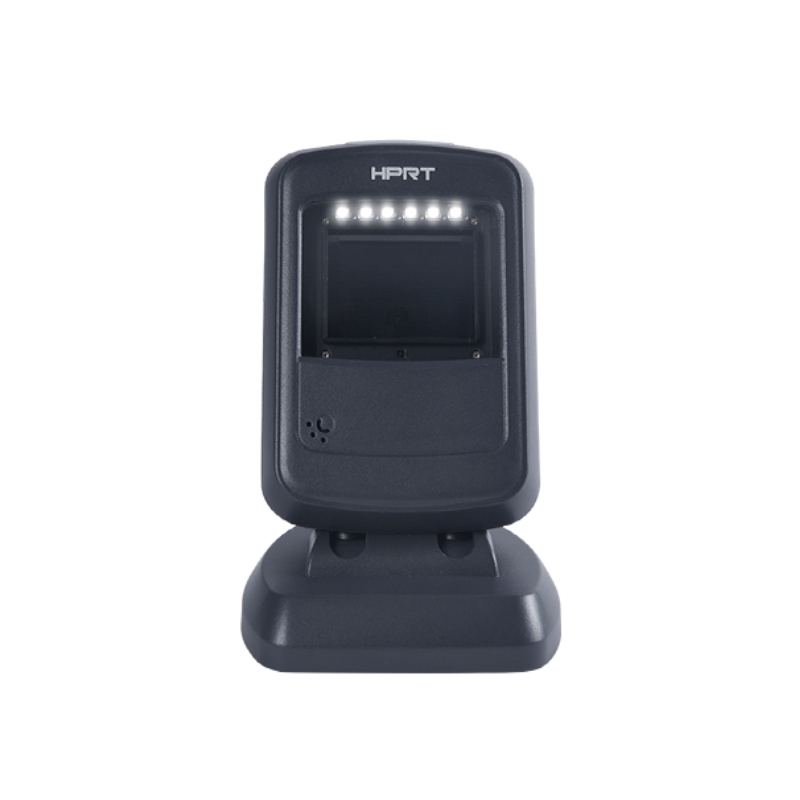
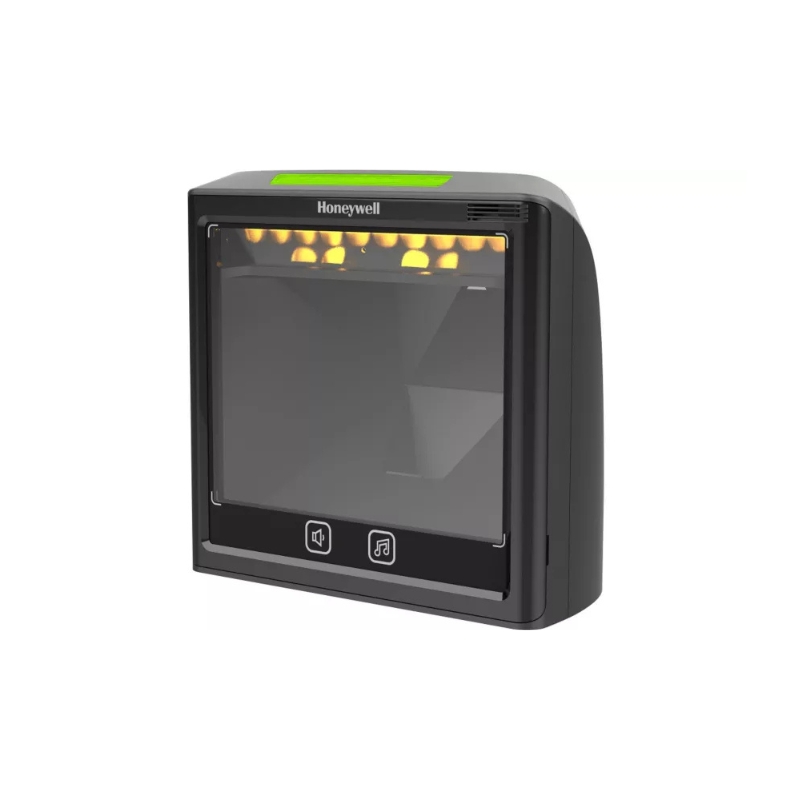
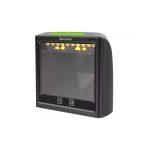
Omnidirectional On-Counter Scanners
- Suitable for medium to high throughput
2D Imaging POS Scanners
- Supports QR, Data Matrix, mobile codes
- Required for digital and compliance workflows
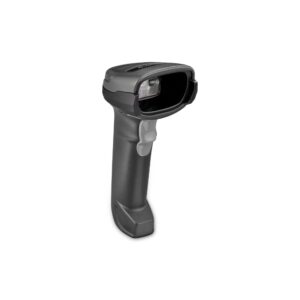
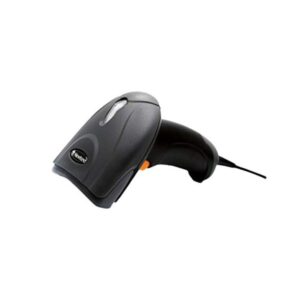
Hybrid POS Scanners
- Combine handheld + presentation modes
- Used where flexibility is required
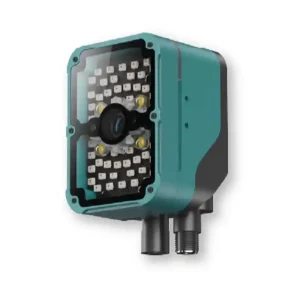
Industrial Counter Scanners
- Better decode performance under poor barcode conditions
Operational Impact in Checkout Environments
Throughput Stabilization
Consistent scan performance ensures predictable billing time per customer.
Reduction in Scan Variability
Eliminates operator-dependent factors such as:
Improved First-Pass Read Rates
Driven by:
- Advanced decoding algorithms
Queue Time Reduction
Small improvements in scan cycle time significantly impact:
Ergonomic Efficiency
Reduces repetitive motion and operator fatigue during long billing cycles.
DDAPL Approach to POS Scanning Systems
DDAPL approaches checkout scanning as a throughput optimization problem, not just device selection.
Evaluation includes:
- Items per minute (throughput requirement)
- Product mix and barcode placement variability
- Counter design and physical constraints
- Integration with billing workflows
The objective is to ensure scan system performance aligns with transaction volume and customer flow expectations.
Enabling High-Speed Checkout Through Imaging Optimization
In modern retail environments, scanning performance directly affects:
In-counter and on-counter scanners ensure:
- Continuous scanning readiness
- Consistent performance across operators
Get the Right Checkout Scanning System
DDAPL provides:
- Application-based scanner selection
- Bulk supply for retail environments
Get a Quote


 Symbologies Supported
 Scan Speed
 Motion Tolerance
 Bluetooth
 WiFi
WiFi NFC
NFC